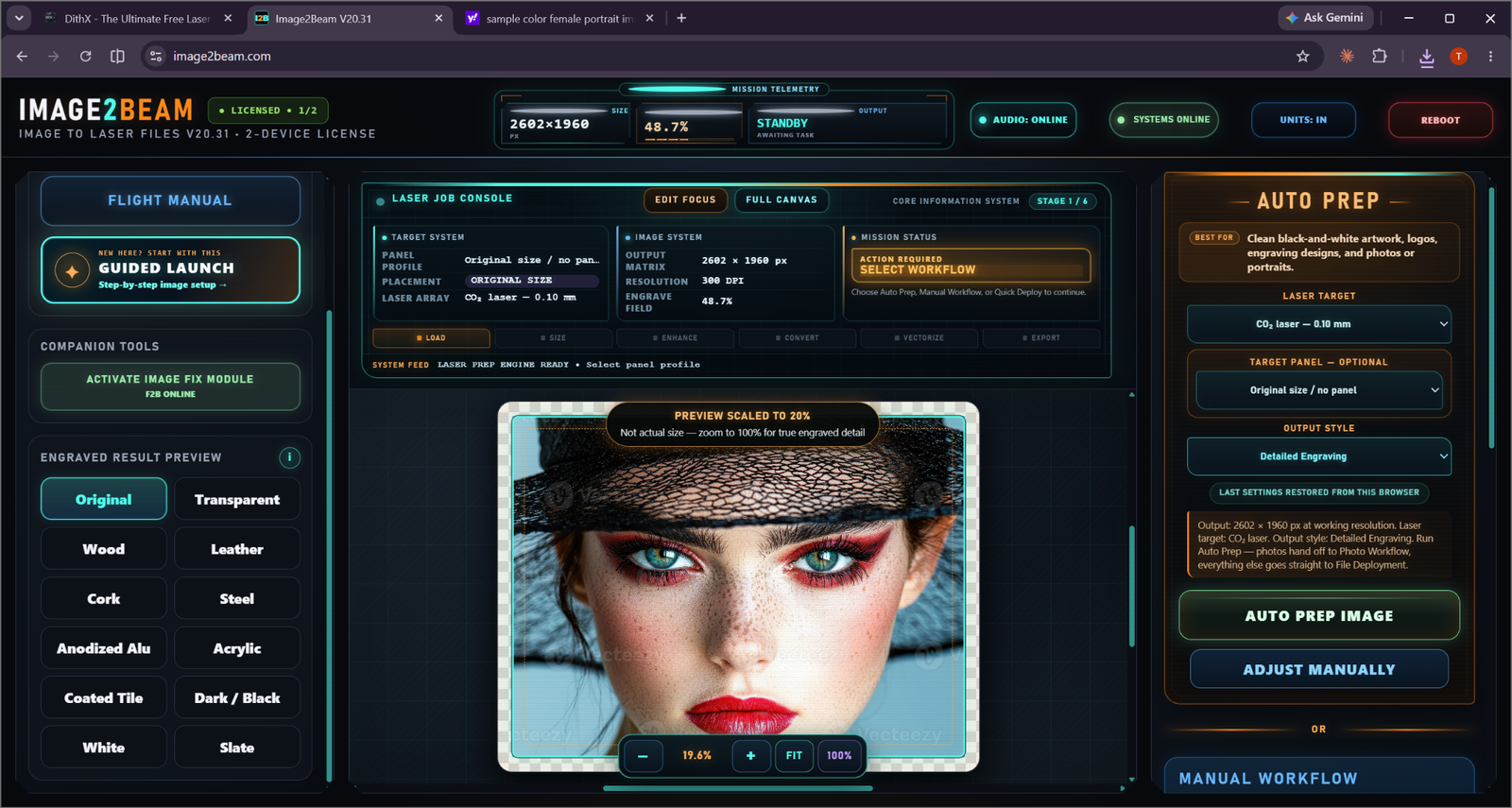
WORKFLOWS

THE RIGHT PATH FOR THE IMAGE YOU ACTUALLY HAVE.

Image2Beam does not pretend that artwork, photos, detailed vectors and already-prepared files are the same problem.

Auto Prep / Photo route

Fast guided preparation with laser target and output-style context.
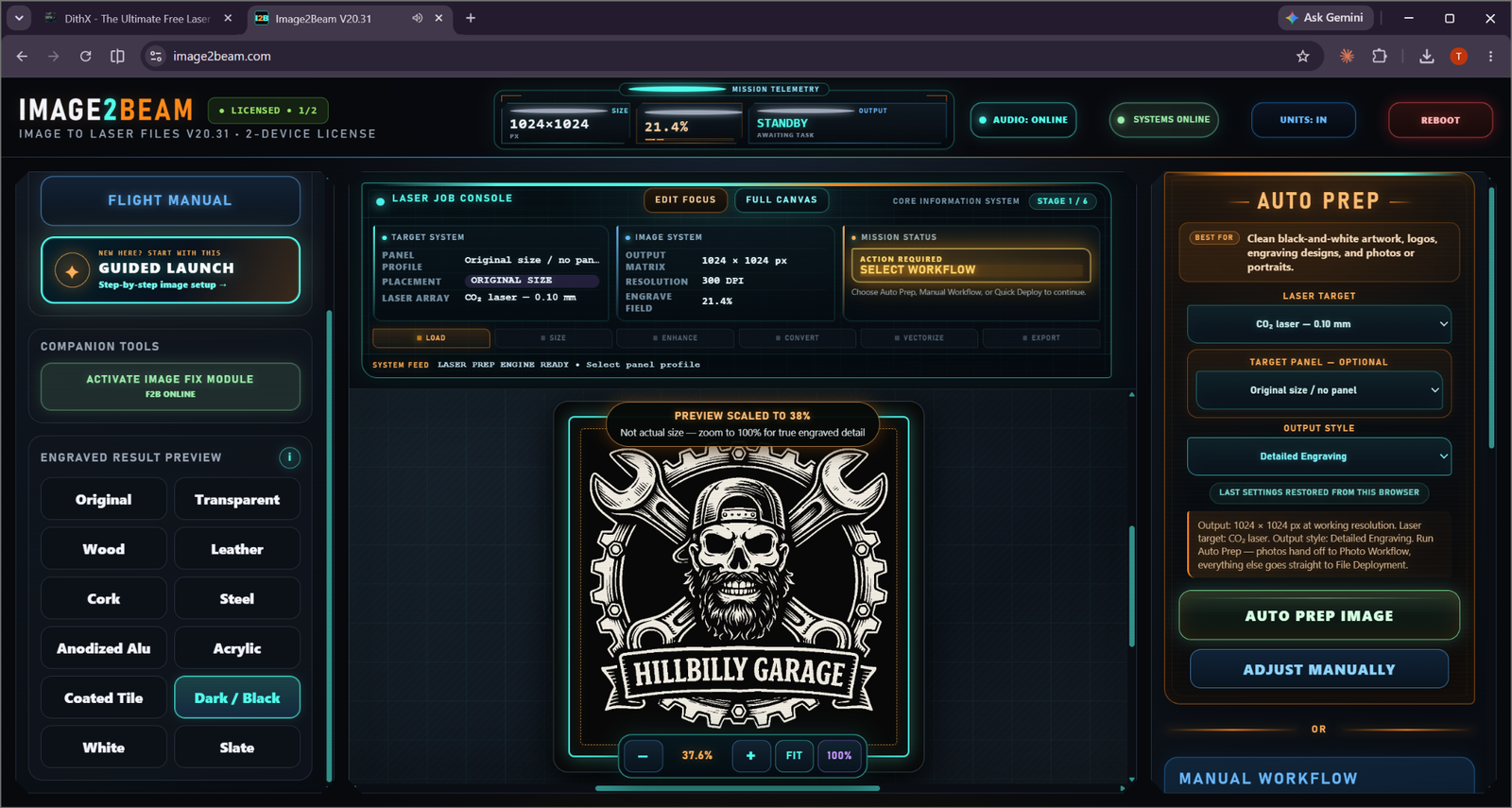
Artwork route

Detailed black-and-white artwork can use its own preparation and deployment path.

GUIDED

Auto Prep

The fastest guided starting point when the user wants Image2Beam to help make the processing decisions.

MANUAL

Manual Workflow

For experienced users who want to make the processing choices themselves.

TONAL

Photo Workflow

A dedicated route for photographs and tonal images, including photo-specific preparation.

DIRECT

Quick Deploy

For clean black-and-white laser-ready images that do not need more processing.
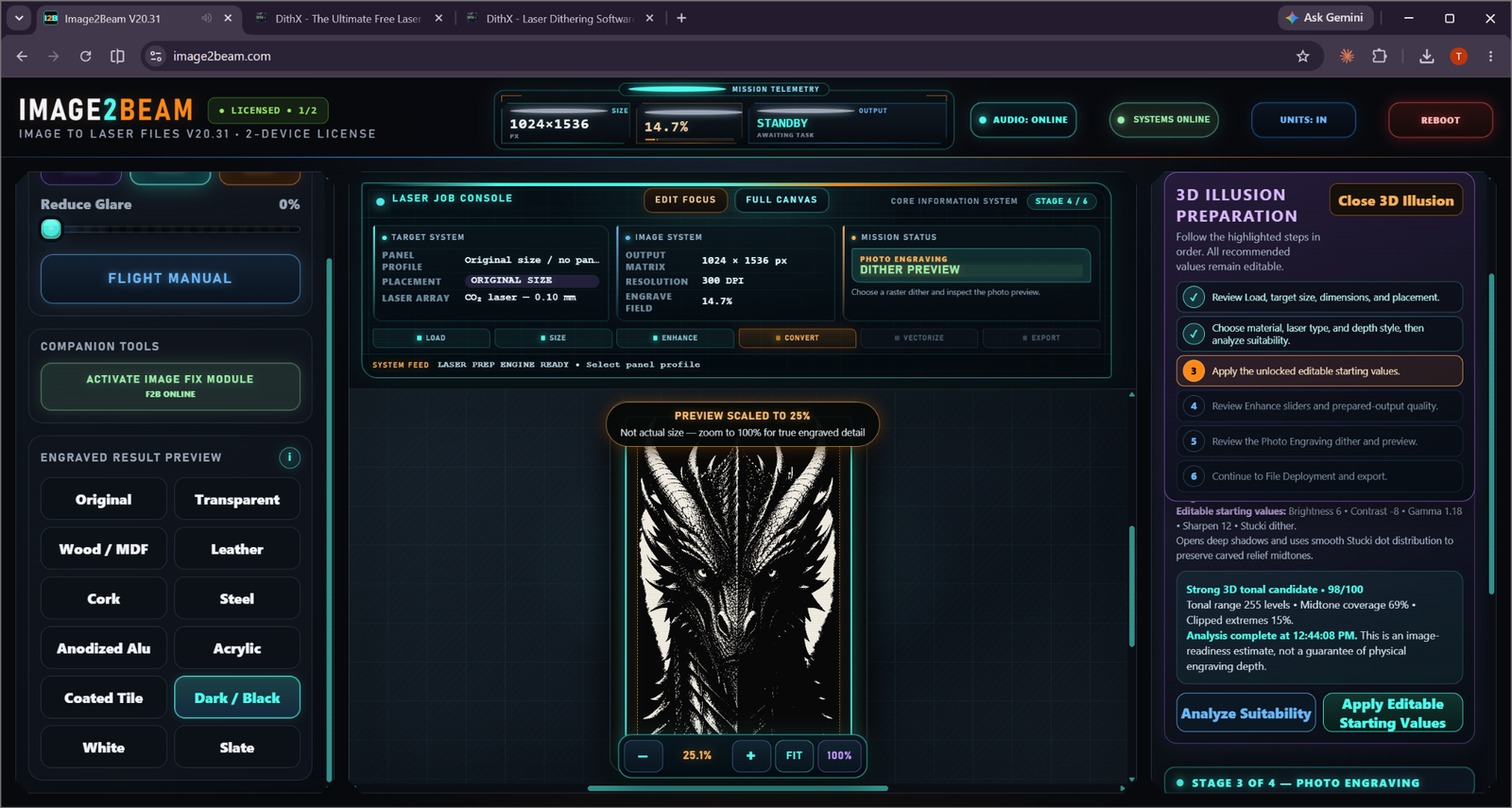
SPECIALIZED WORKFLOW

3D Illusion gets its own guided mission.

Relief-style and carved-depth artwork follows a dedicated six-checkpoint preparation path instead of being treated like ordinary artwork or a normal photograph.

3D Suitability + Editable Values

Analyze tonal suitability, then review the recommended starting values.

3D Illusion mission

  • Review load and placement
  • Choose material, laser and depth style
  • Analyze suitability
  • Apply editable starting values
  • Review dither and material preview
  • Continue to File Deployment
EXPLORE 3D ILLUSION →

Prepared? Now verify it.

BEAM Analysis is the checkpoint between “looks okay” and “the system says this is ready.”

SEE BEAM ANALYSIS →