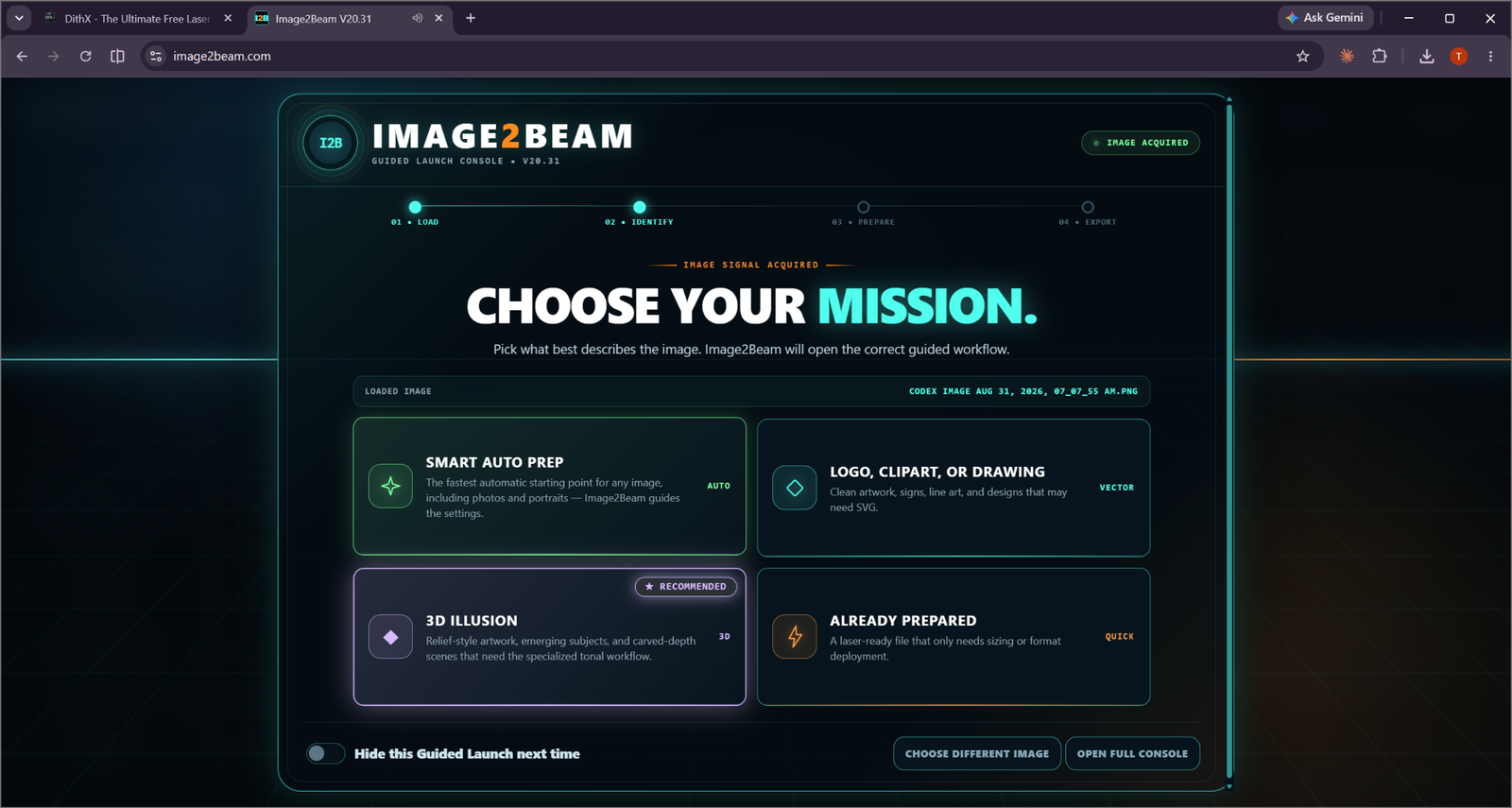
Guided Launch
The starting screen answers the first question: what kind of job is this?
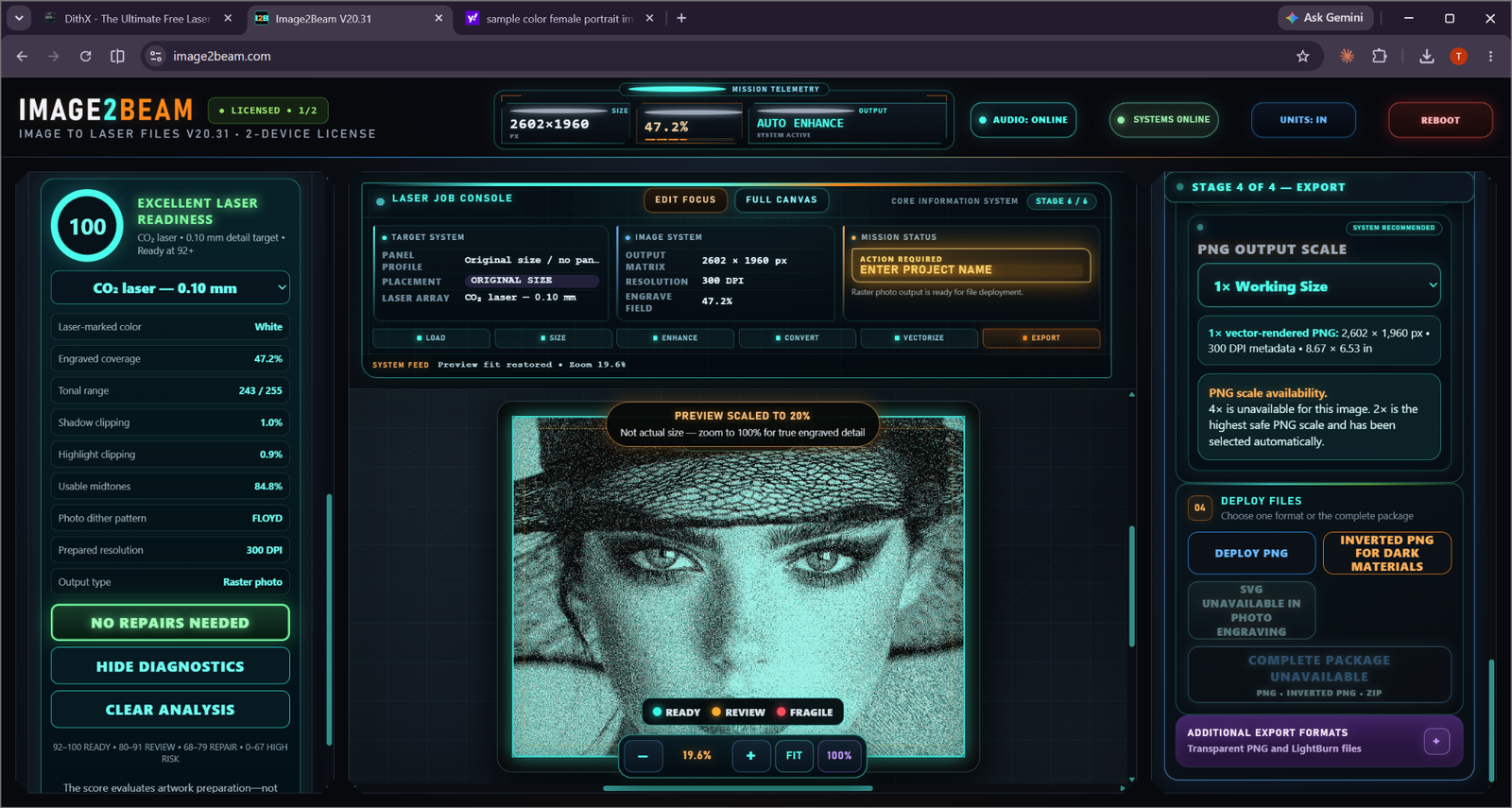
File Deployment
The end state makes the output path clear and keeps export in the same guided mission.
Image2Beam is designed as a mission flow, not a random collection of image-processing tools.
Bring the source into Image2Beam.
Guided Launch helps route the job.
Use the workflow suited to the source.
Run BEAM Analysis when applicable.
Choose the appropriate final file.
The starting screen answers the first question: what kind of job is this?
The end state makes the output path clear and keeps export in the same guided mission.
See how Image2Beam handles artwork, photographs and already-prepared files differently.
EXPLORE WORKFLOWS →