IMAGE2BEAM COMMUNITY

REAL RESULTS. REAL SETTINGS.

A community gallery designed to show the finished engraving together with the Image2Beam workflow, laser, material, DPI, dither, BEAM score, and the real machine settings used.

Approved projects
Community members
CO₂ · DIODE · FIBERLaser types
MODERATEDPublic submissions
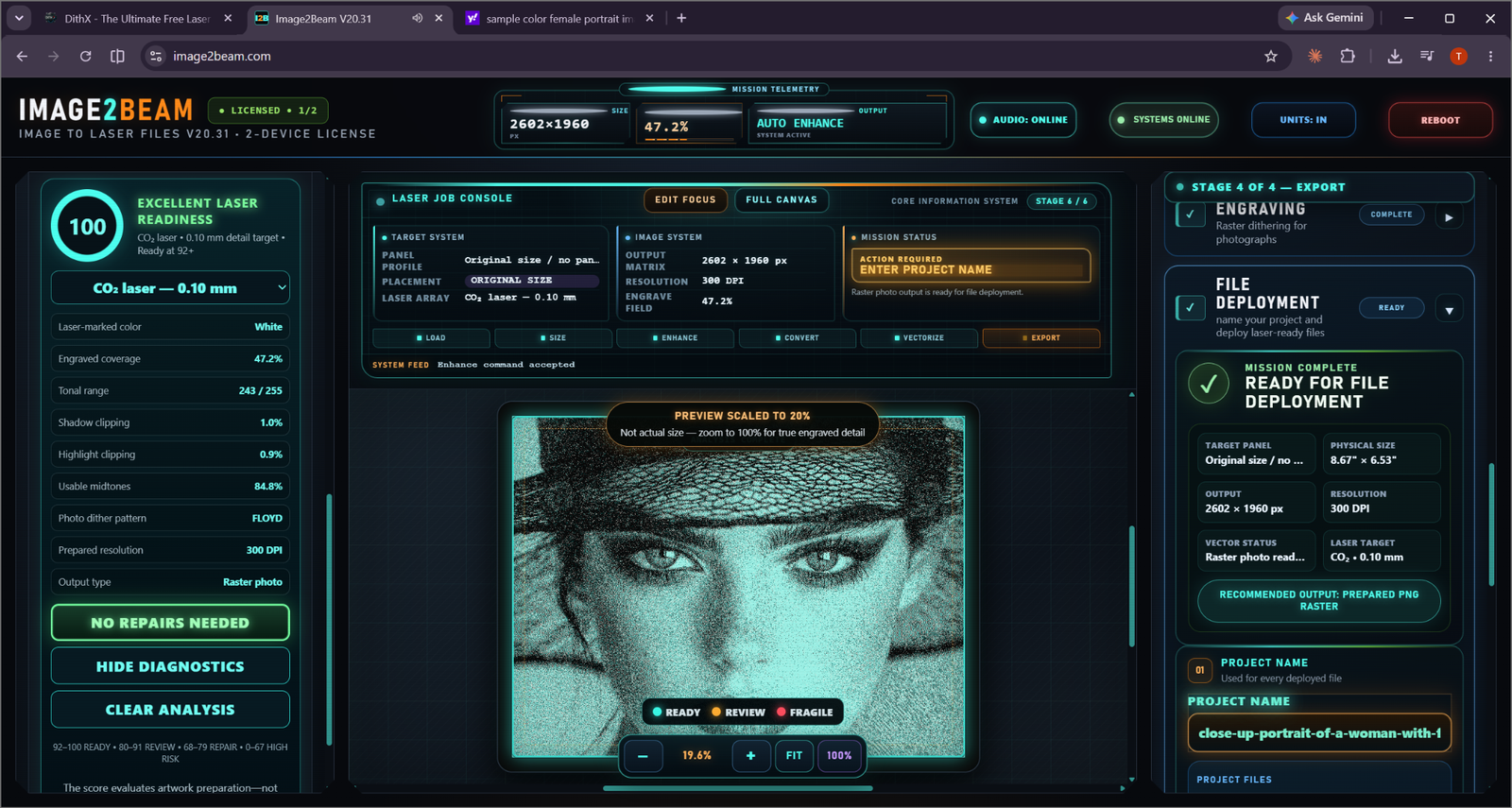
Portrait on Painted Tile PHOTO By: Demo Member
DEMO LAYOUT — NOT A USER ENGRAVING

Portrait on Painted Tile

CO₂Coated Tile300 DPIBEAM 100
Method: Floyd
Size: 8.7 × 6.5 in
Speed: Example
Power: Example
VIEW PROJECT →
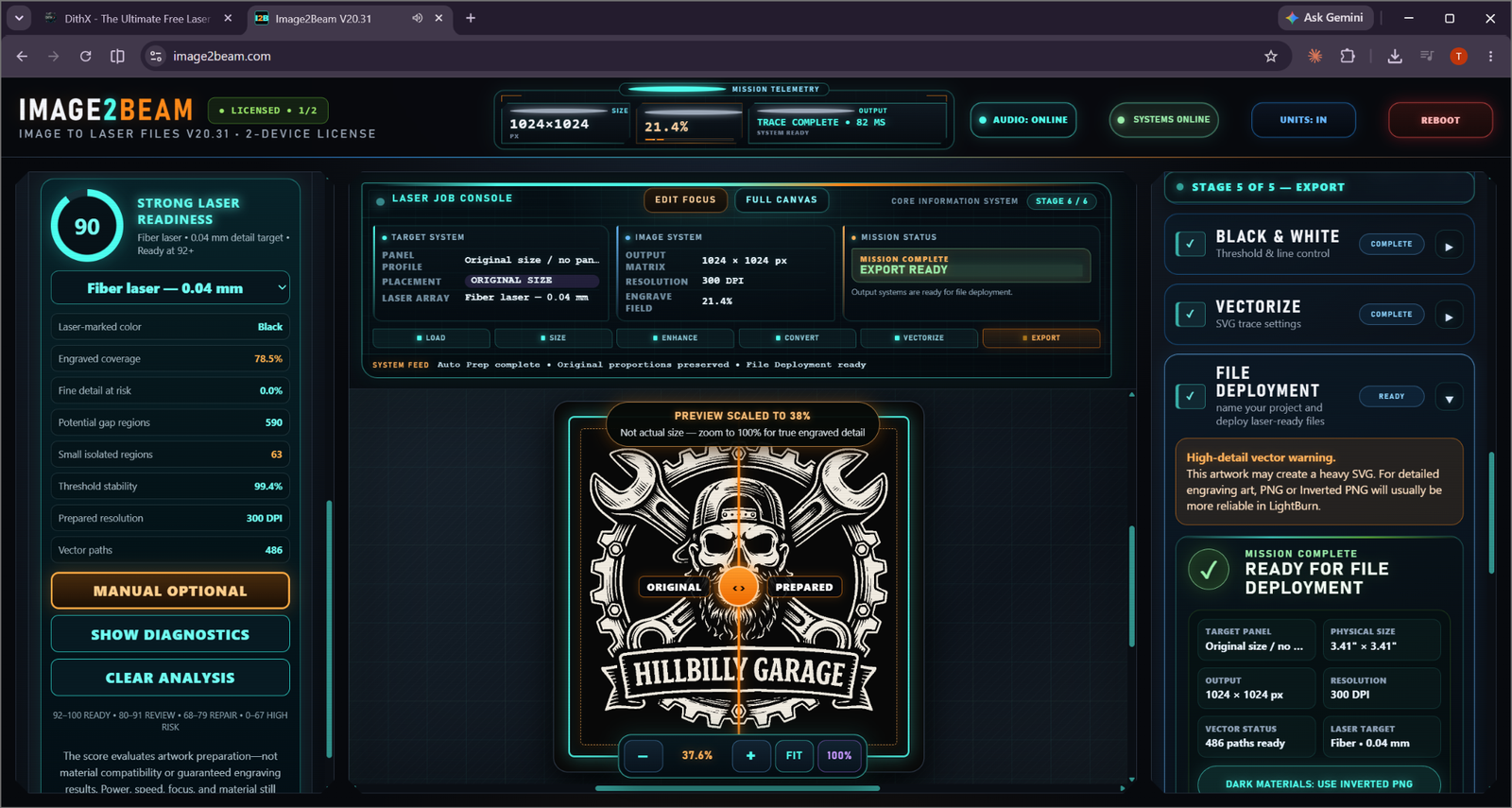
Detailed Garage Artwork ARTWORK / VECTOR By: Demo Member
DEMO LAYOUT — NOT A USER ENGRAVING

Detailed Garage Artwork

FiberDark / Black300 DPIBEAM 90
Method: Vector / PNG
Size: 3.4 × 3.4 in
Speed: Example
Power: Example
VIEW PROJECT →
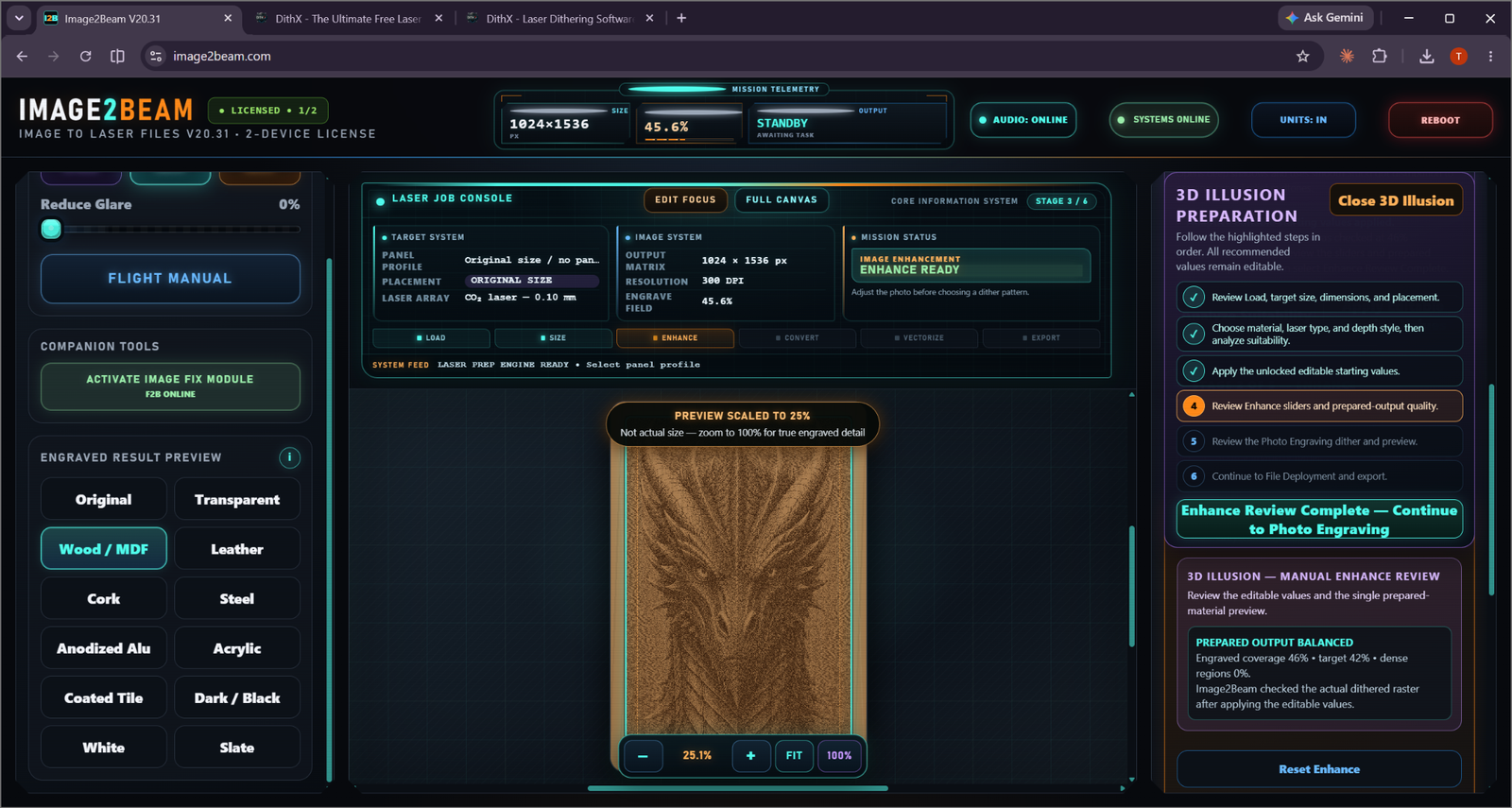
Dragon Relief Preparation 3D ILLUSION By: Demo Member
DEMO LAYOUT — NOT A USER ENGRAVING

Dragon Relief Preparation

CO₂Wood / MDF300 DPIBEAM 95
Method: Stucki
Size: 3.4 × 5.1 in
Speed: Example
Power: Example
VIEW PROJECT →

No projects match those filters.

Clear the filters or try a different search.

The cards shown in this V6 prototype are interface demonstrations only. They are clearly labeled so they are not mistaken for real community engravings. The production gallery will publish only approved user submissions with actual result photos.
WHAT A PROJECT CAN SHOW

More useful than a picture alone.

RESULT

Finished engraving photo

The actual physical result is the hero image for every public project.

IMAGE2BEAM

Workflow + preparation data

Workflow, BEAM score, dither, DPI, output type and app version can be carried from the job.

MACHINE

Laser settings

Laser type/model, speed, power, passes, line interval, size and material treatment.