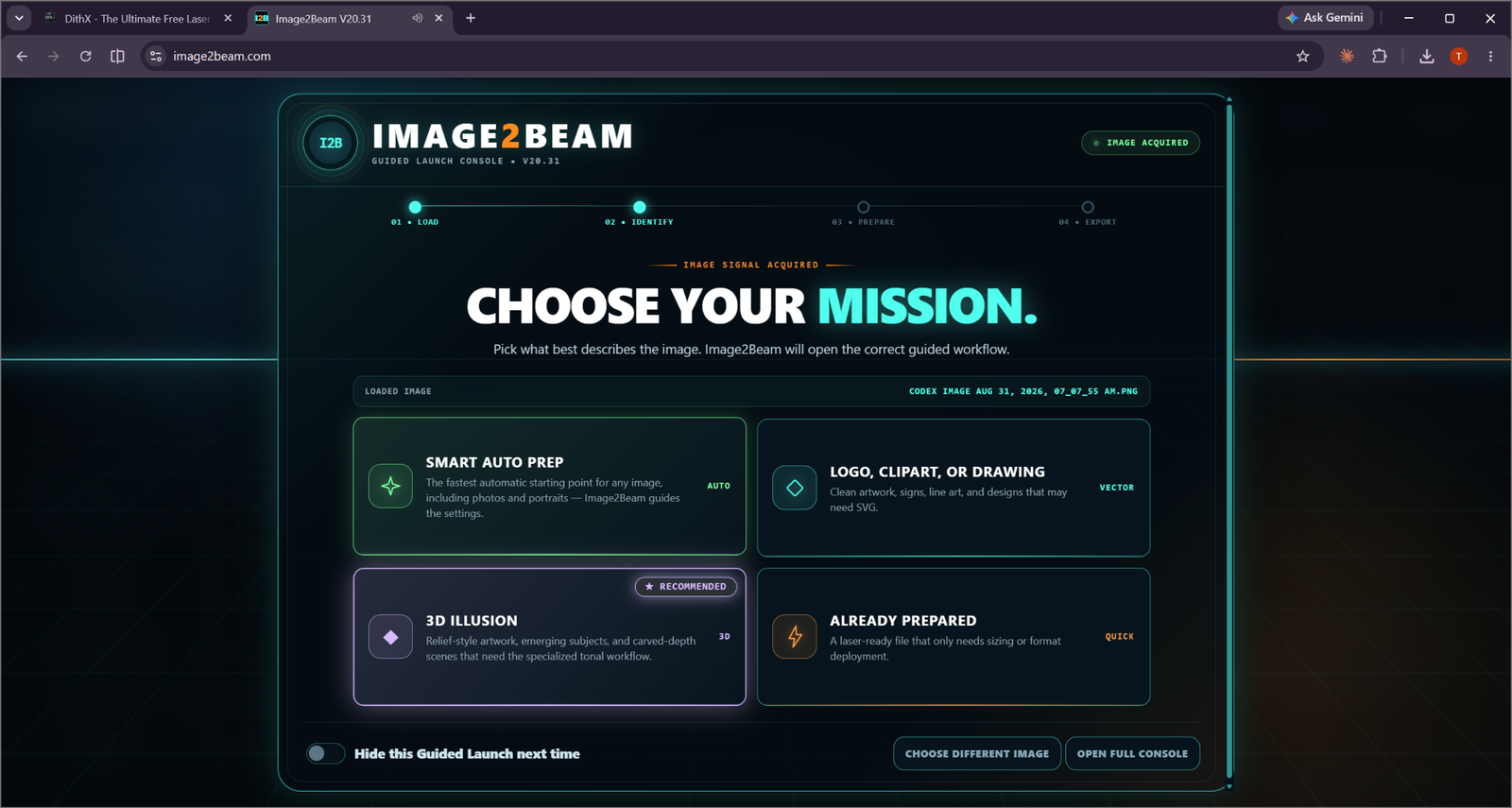
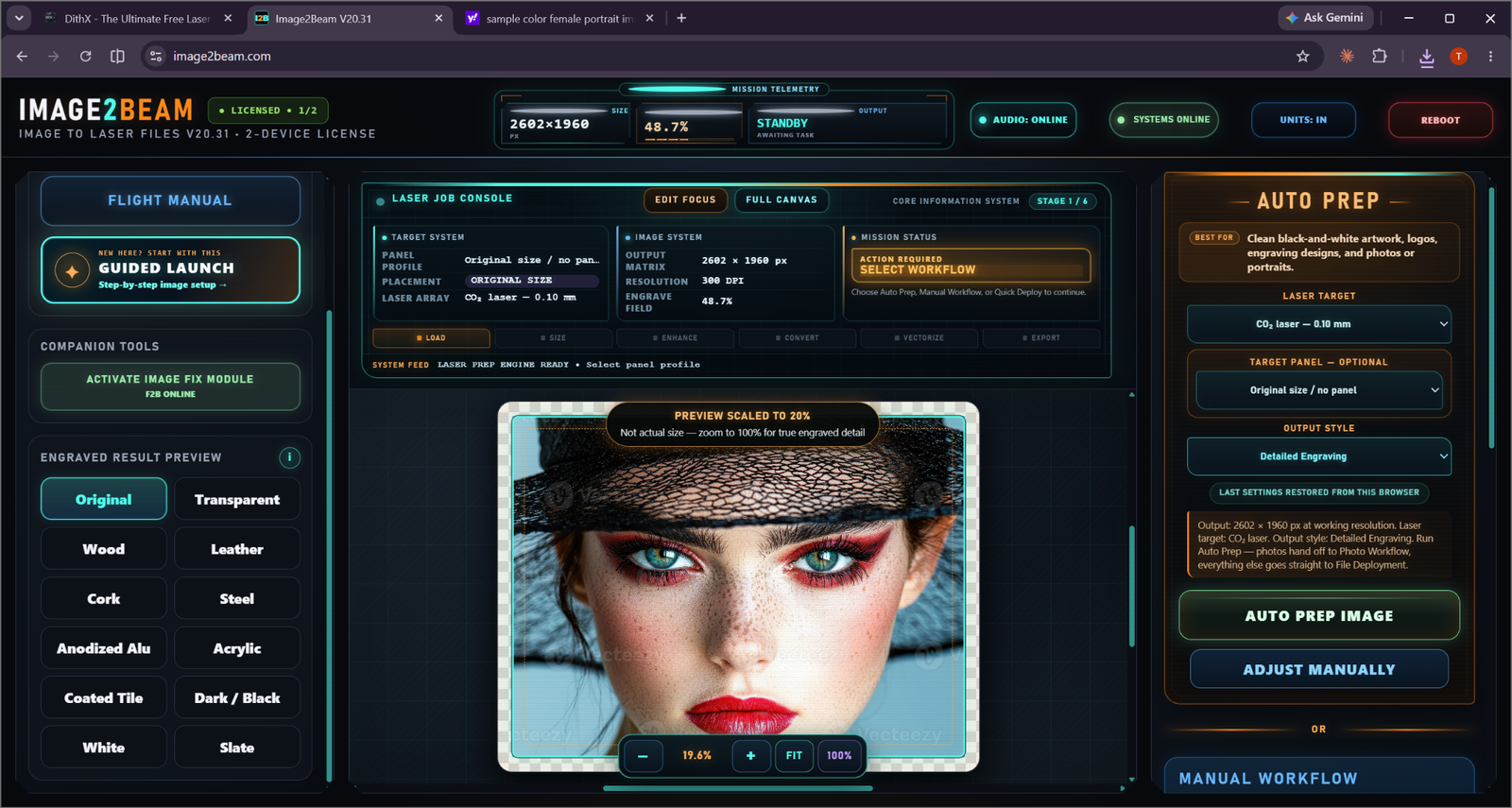
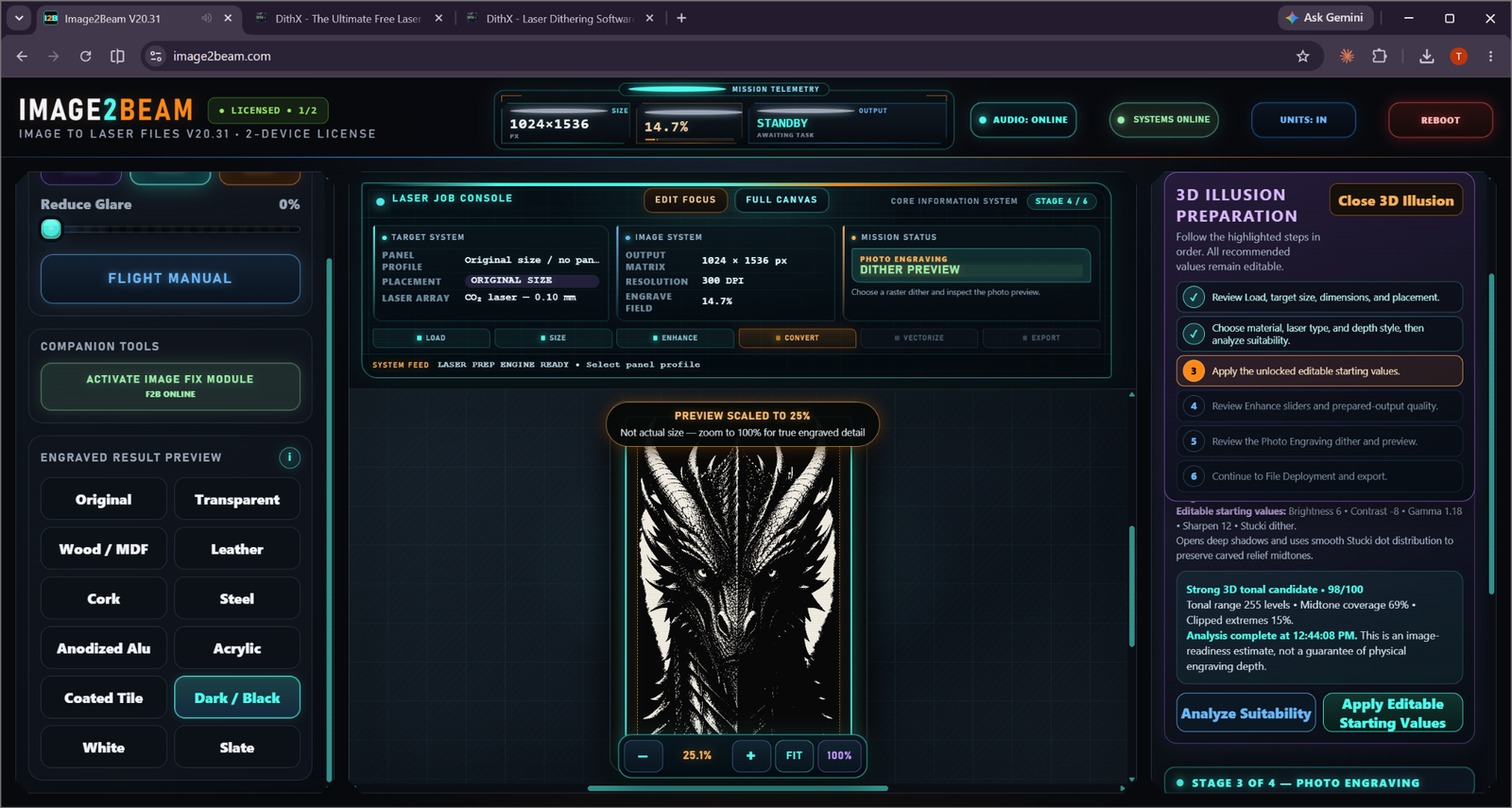
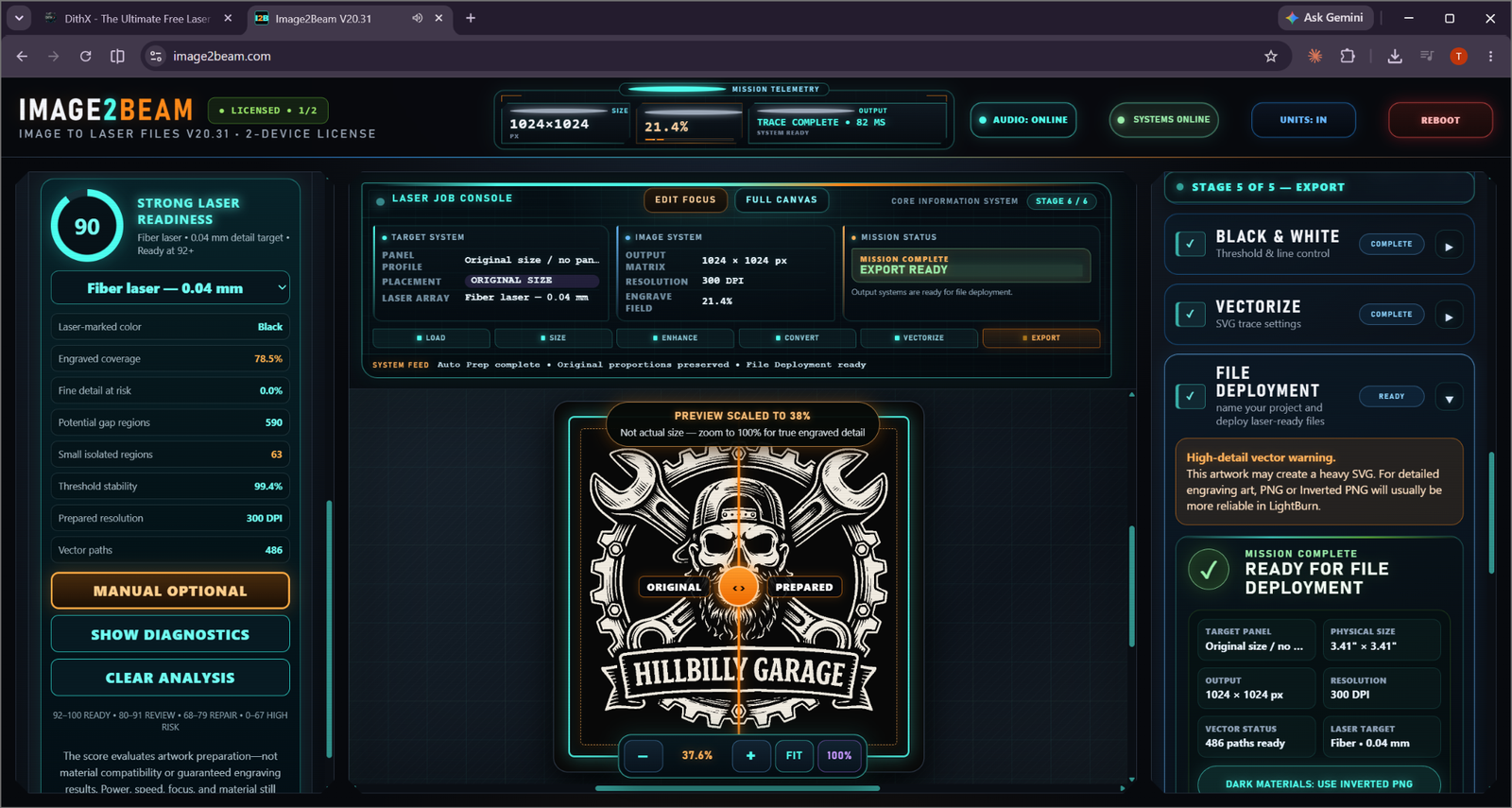
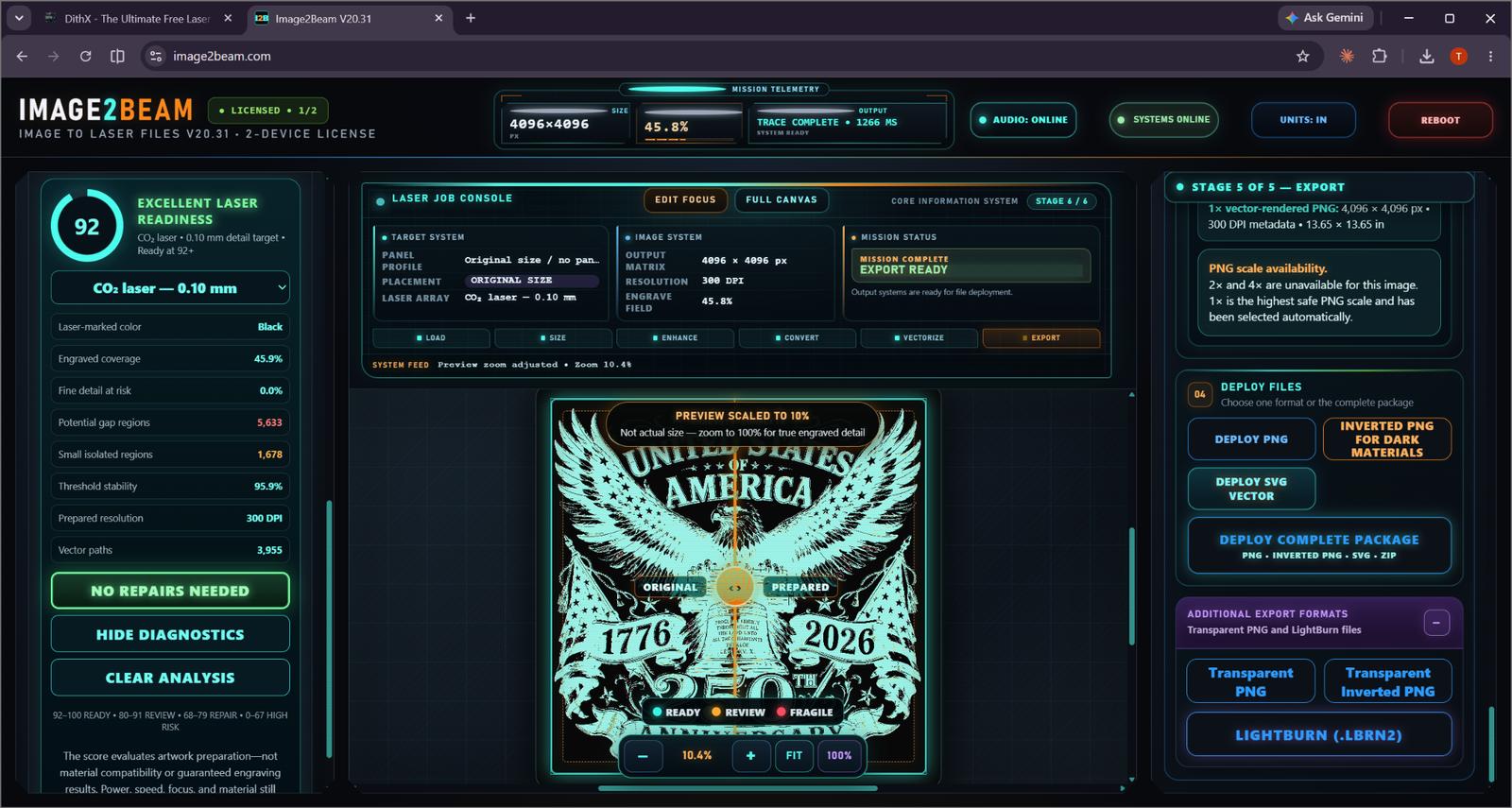
Professional laser image preparation with guided workflows for artwork, photos, 3D illusion images and already-prepared files. No subscription. No locked workflow.
Smart Auto Prep, artwork/vector, photo, 3D illusion, and already-prepared routes.
TECHNOLOGYUnderstand laser-readiness scoring and what each result means.
3D ILLUSIONMaterial, laser, tonal suitability, editable values, dither review, and deployment.
PHOTOLearn the photo-specific workflow and why tonal images need different preparation.
DITHERINGLearn what dithering does and when different patterns make sense.
RESOLUTIONMatch image resolution to the physical laser spot and engraving strategy.
HARDWAREUnderstand how different laser types affect image preparation decisions.
MATERIALSWood/MDF, slate, coated tile, acrylic, anodized aluminum, dark materials and more.
HELPQuick answers to common Image2Beam and laser-image-preparation questions.
COMMUNITYBrowse approved engraving projects and see the workflow, laser, material, DPI, method, and machine settings used.
Use the free platform to analyze, prepare, verify and export laser-ready files.
When you need an actual AI-generated depth map, move into Depth2Beam and use AI generation credits.
EXPLORE DEPTH2BEAM →No paid Image2Beam subscription is required. Email verification protects access, keeps accounts recoverable, and gives you a direct line for important product updates.
REGISTER FOR FREE ACCESS →